Antivirus keys are priced by two numbers: how many devices they protect and for how long. Getting those right is the whole trick to buying security software online.
Devices
A "5 devices" license protects five computers, phones or tablets at the same time. Count every device in the household that needs protection, including laptops that only come out occasionally. Some products are Windows-only; multi-device suites cover Windows, Mac, Android and iOS.
Term
Most security software is a subscription. The term starts when you activate the key (or, for some brands, when the key is issued), and includes every update and new version released during that time. Two- and three-year terms usually cost less per year.
Renewals
With most brands you can enter a new key into an existing installation or account and the extra time is added to what you have left. You don't lose remaining days by renewing early.
Which brand?
| If you want… | Consider |
|---|---|
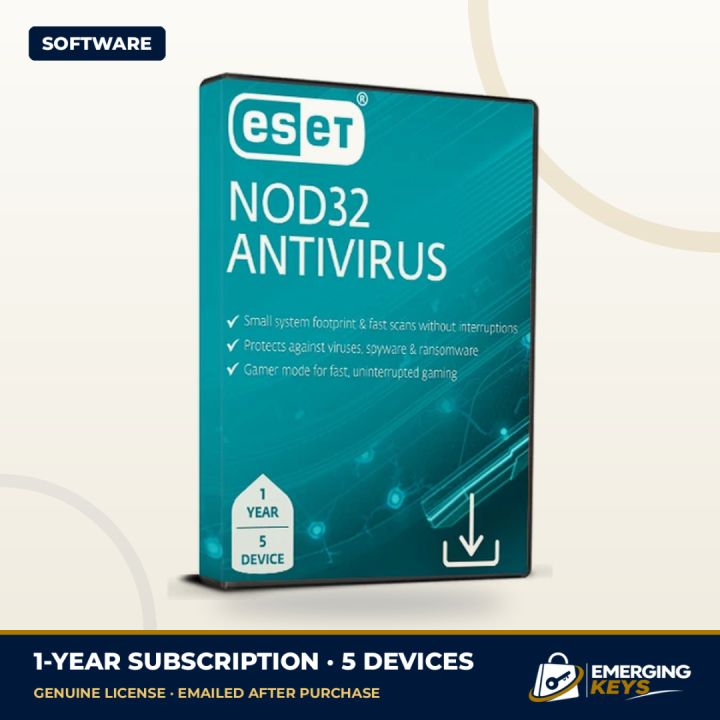
| Light on older PCs | ESET NOD32 Antivirus |
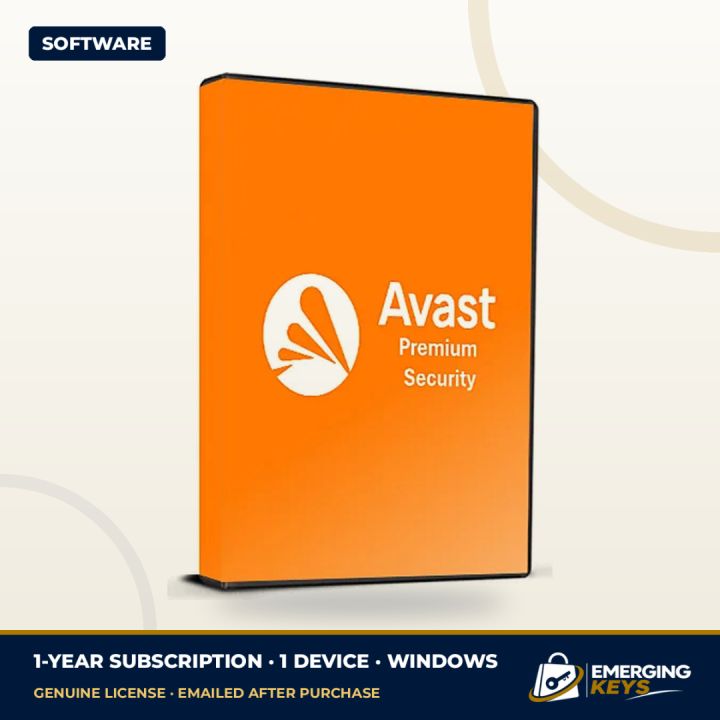
| Lots of extras (firewall, webcam shield) | Avast Premium Security |
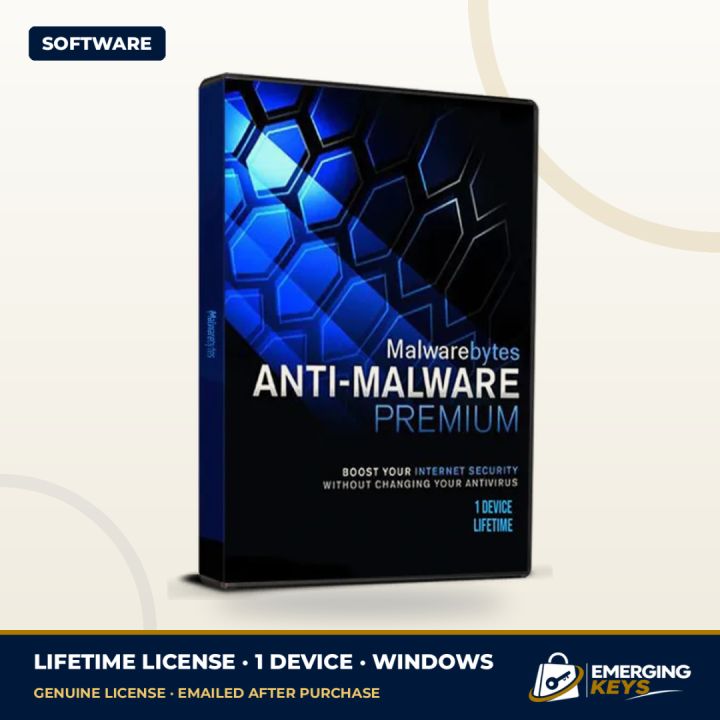
| A second-opinion malware cleaner | Malwarebytes Premium |
| Identity and backup tools in one | Norton 360 |
Download from the developer
Always install security software from the developer's official website, then enter your key. Our product pages link to the right download and our order emails include step-by-step activation.