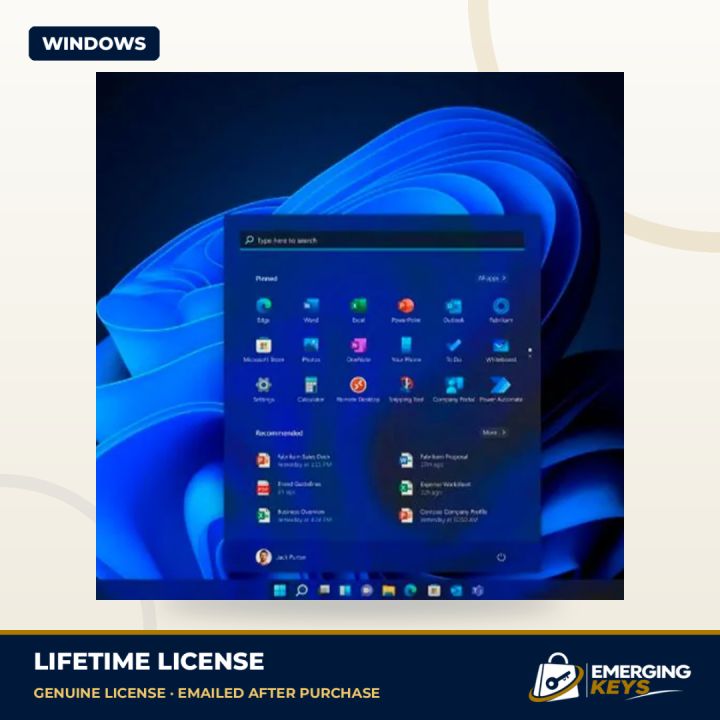
Both editions run the same apps and games and look identical on screen. The difference is a set of security and management tools that Pro adds on top of Home. If you don't need those tools, Home is the cheaper, perfectly good choice.
The quick answer
- Buy Windows 11 Home for a personal laptop or desktop used for browsing, streaming, school work, Office and gaming.
- Buy Windows 11 Pro if you want drive encryption, need to connect to the PC remotely, run virtual machines or join a company network.
What Pro adds
| Feature | Home | Pro |
|---|---|---|
| BitLocker drive encryption | Device encryption on some hardware only | Full BitLocker on every supported drive |
| Remote Desktop host | Can connect out only | Others can connect in |
| Hyper-V and Windows Sandbox | No | Yes |
| Group Policy editor | No | Yes |
| Join a domain or Microsoft Entra ID | No | Yes |
| Gaming, apps, Microsoft Store | Yes | Yes |
Who really needs Pro?
Pro pays for itself on laptops that leave the house (BitLocker protects your files if the laptop is stolen), on PCs you want to reach from another location with Remote Desktop, and for anyone who tests software in virtual machines. Small businesses usually want Pro so computers can be managed together.
For a family PC or a gaming rig, Home has everything you'll use day to day.
Can I upgrade from Home to Pro later?
Yes, without reinstalling. Buy a Windows 11 Pro product key, open Settings > System > Activation, choose Change product key and enter it. Windows switches to Pro and keeps your files, apps and settings.
OEM or Retail?
An OEM key stays with the first PC it activates and costs less. A Retail key can be moved to a new computer later. If you upgrade hardware often, Retail is worth the extra. Our OEM vs Retail guide explains the difference in detail.
Check your PC first
Windows 11 needs TPM 2.0, Secure Boot and a supported processor. Run Microsoft's free PC Health Check app before you buy. If your PC doesn't qualify, see our guide to your options after Windows 10 support ended.