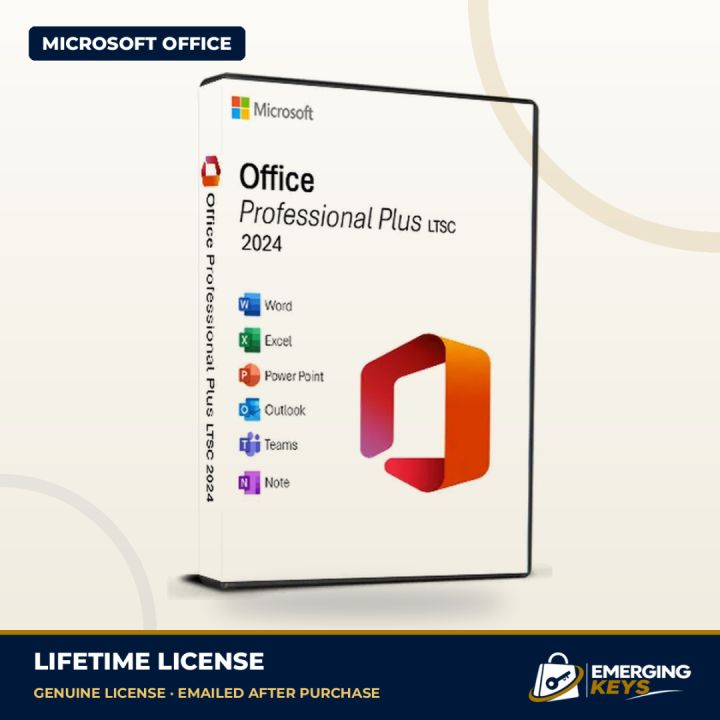
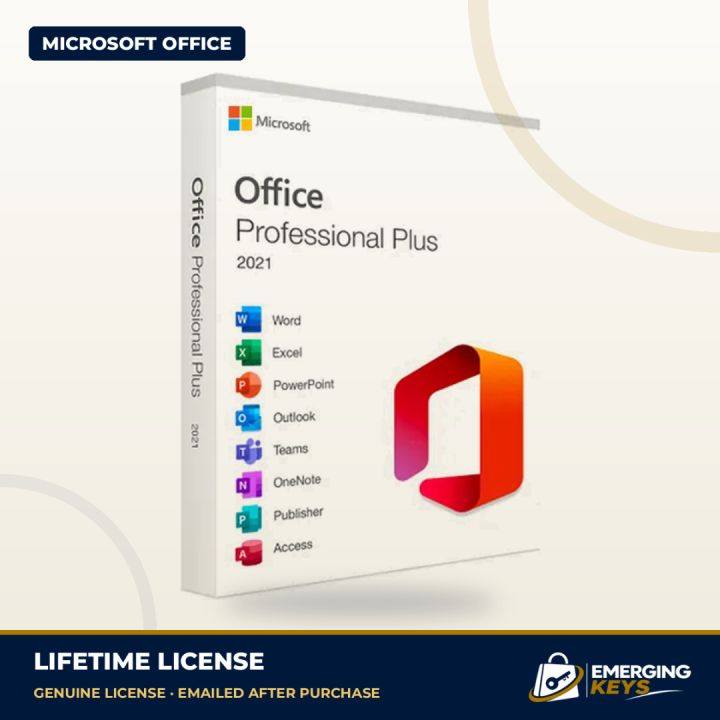
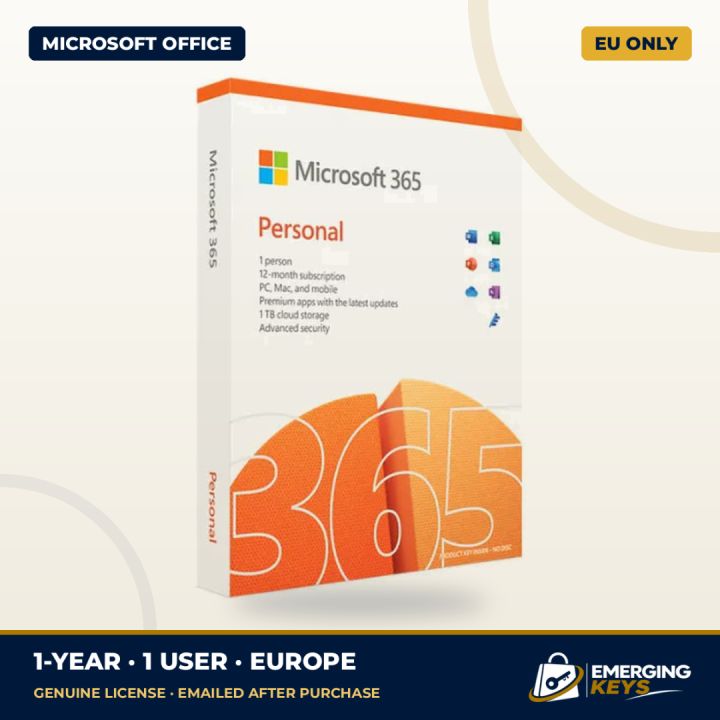
Microsoft sells Office two ways: as a perpetual license you pay for once (Office 2024, Office 2021) or as a Microsoft 365 subscription. Both give you Word, Excel, PowerPoint and Outlook. The right choice depends on how many devices you use and how long you plan to keep the software.
At a glance
| Office 2024 Pro Plus | Office 2021 Pro Plus | Microsoft 365 | |
|---|---|---|---|
| How you pay | Once | Once | Every year |
| Apps | Word, Excel, PowerPoint, Outlook, Access, OneNote | Same, plus Publisher | Latest versions of all apps |
| Security updates | Until October 2029 | Ended October 2026 | Always, while subscribed |
| Devices | One Windows PC | One Windows PC | PC, Mac, tablet and phone |
| Cloud storage | None included | None included | 1 TB OneDrive per person |
Choose Office 2024 if…
You work on one Windows PC and want to pay once. Office 2024 is the newest perpetual release and gets security fixes until October 2029. It's the default pick for most home offices: see Office 2024 Professional Plus.
Choose Office 2021 if…
You still use Publisher, which Office 2024 dropped, or you want the lowest price for basic documents and spreadsheets. Microsoft has stopped security updates for Office 2021, so it suits PCs where that's acceptable.
Choose Microsoft 365 if…
You use several devices, share with family, or want cloud storage and the newest features. Personal covers one person; Family covers up to six people, each with their own 1 TB.
What about Mac?
Professional Plus keys are for Windows. On a Mac, choose an Office "Home and Business for Mac" license or Microsoft 365, which works on both.
Our recommendation
- One PC, pay once: Office 2024 Professional Plus.
- Tight budget or need Publisher: Office 2021 Professional Plus.
- Several devices or a household: Microsoft 365 Family.