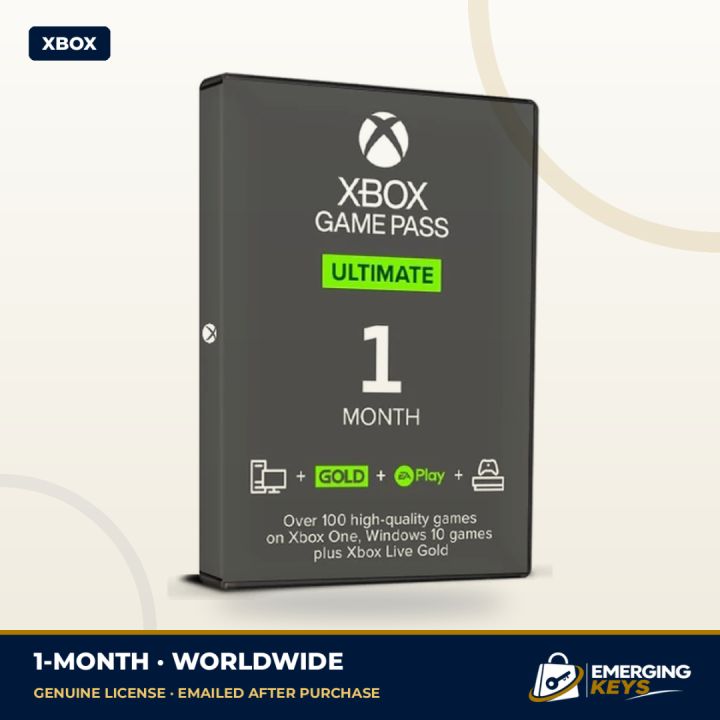
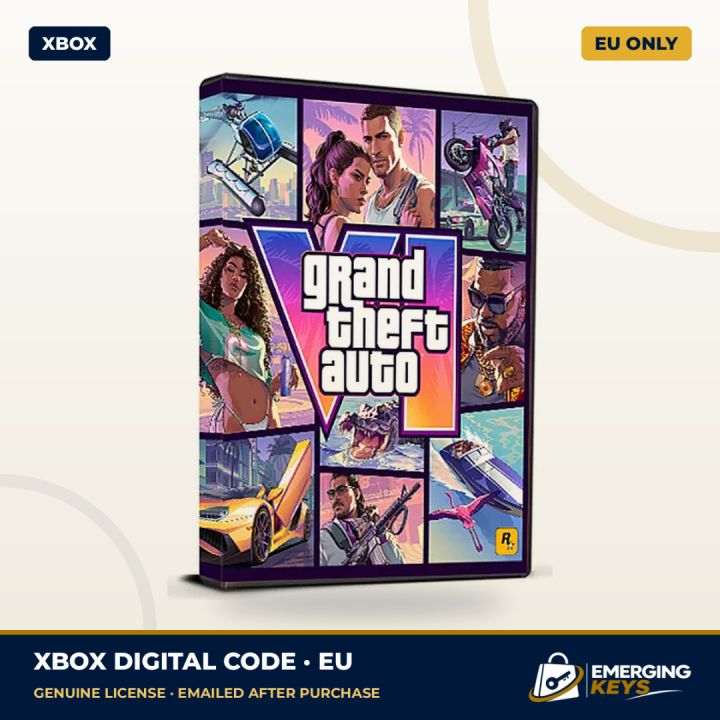
Xbox codes are 25 characters long and work for games, Game Pass memberships and gift cards. Redeem them on the Microsoft account you play with.
On an Xbox Series X|S or Xbox One
- Open the StorePress the Xbox button and go to Store.
- RedeemChoose Redeem (or Use a code) and type in the code.
- ConfirmGames appear under My games & apps; memberships and balance are added immediately.
On a Windows PC
Open the Xbox app or Microsoft Store, select your profile picture and choose Redeem code or gift cards.
In a browser
Go to redeem.microsoft.com, sign in with the same Microsoft account you use on your console and enter the code.
If the code is refused
- Region: codes marked EU or US only work on accounts set to that region.
- Currency: gift cards only add balance to accounts in the same currency.
- Game Pass: some codes can't be stacked on an active membership; check the product page.
Still stuck? Email us the error message and your order number.