Microsoft ended regular support for Windows 10 on October 14, 2025. Windows 10 still runs and still activates, but it no longer gets free security updates. Here's how to decide what to do with each PC.
If your PC can run Windows 11
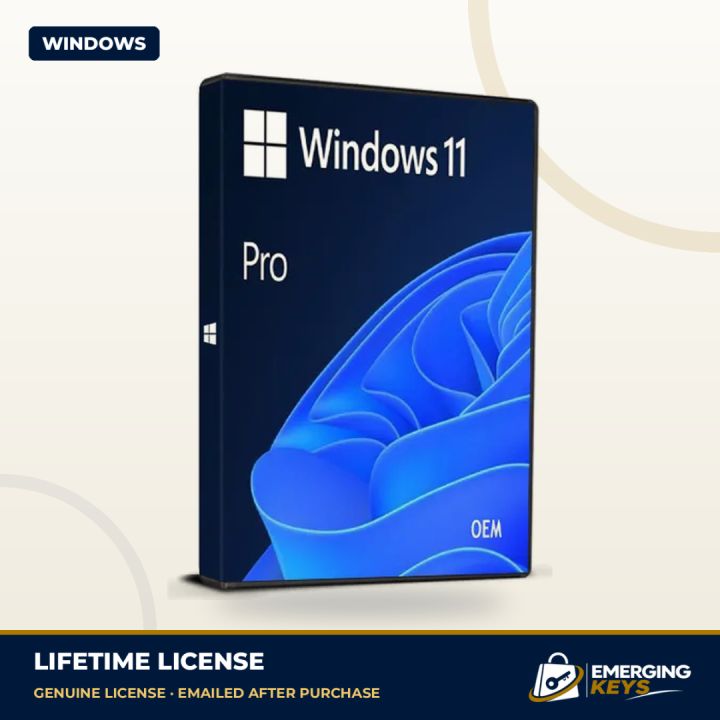
Run Microsoft's PC Health Check app. If it says your PC is compatible, upgrading is the safest route: you get years of security updates and new features. Buy a Windows 11 Home key for personal use or a Windows 11 Pro key for work features.
If your PC can't run Windows 11
Older processors and PCs without TPM 2.0 can't officially run Windows 11. Your options:
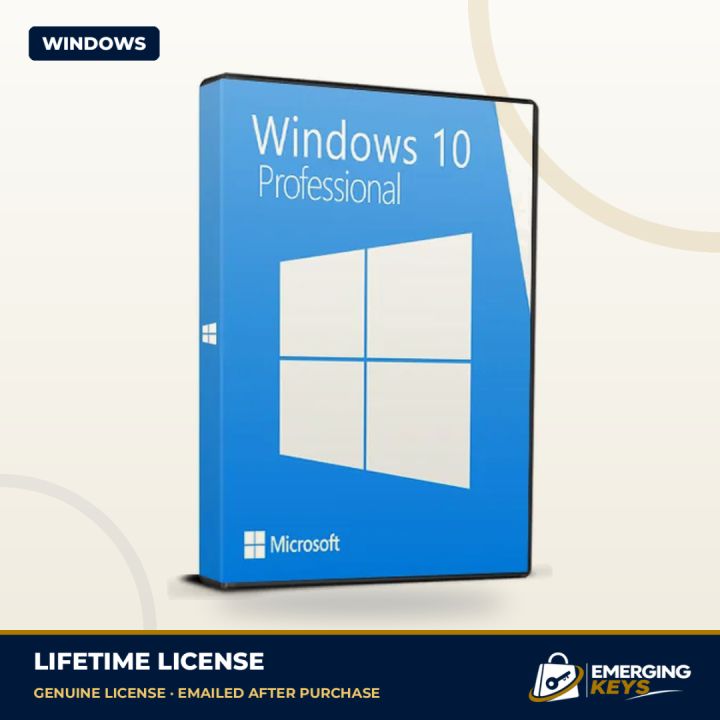
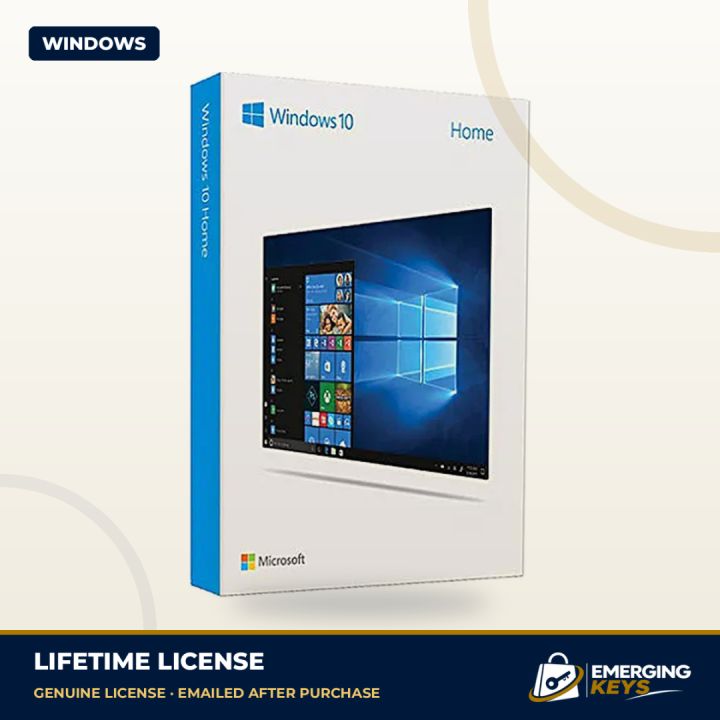
- Keep using Windows 10 with a genuine key, ideally for offline tasks or with strong antivirus. A Windows 10 Pro key still activates and never expires.
- Use an LTSC edition for fixed-purpose machines. Windows 10 Enterprise LTSC and IoT Enterprise LTSC keep getting security updates for years longer.
- Replace the hardware when it's practical, and activate the new PC with a Windows 11 key.
Does a Windows 10 key activate Windows 11?
Often yes: Microsoft has historically accepted Windows 10 keys during a Windows 11 installation of the same edition. It isn't guaranteed, so if you're buying new, buy a Windows 11 key.
Summary
| Situation | Best buy |
|---|---|
| PC passes the Windows 11 check | Windows 11 Home or Pro |
| Older PC, everyday use | Windows 10 Pro, plus a good security suite |
| Kiosk, lab or point-of-sale machine | Windows 10 LTSC |