MS OfficeMicrosoft
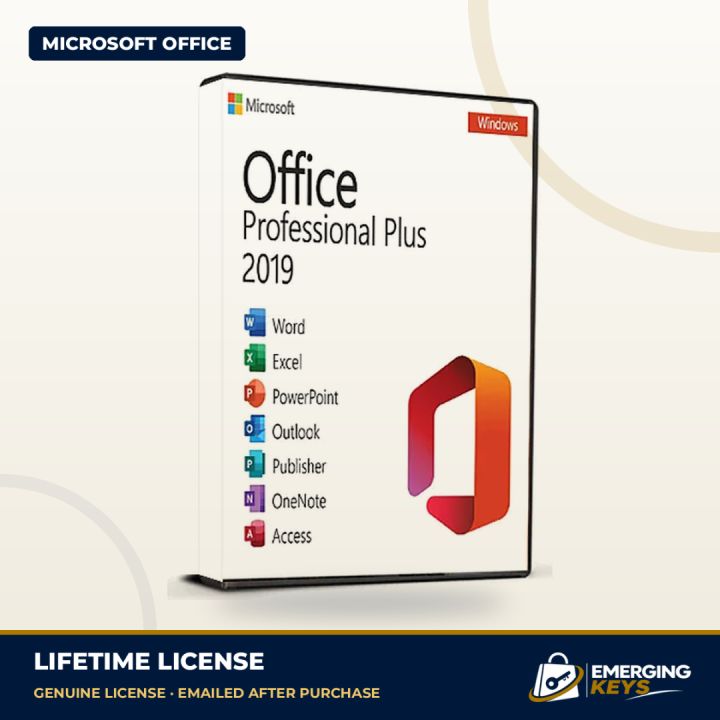
Office 2019 Home and Business Product Key (Mac, Microsoft Account)
Lifetime license · Worldwide
Genuine Office 2019 Home and Business product key for one Mac: Word, Excel, PowerPoint and Outlook, paid for once with no subscription.
- Platform
- Microsoft Office
- License
- Lifetime license
- Region
- Global (works worldwide)
- Delivery
- Key sent by email
What you get
- Office 2019 Home and Business, lifetime license
- Apps: Word, Excel, PowerPoint and Outlook
- For Mac
- No subscription or renewal
- Download and activation steps by email
Price in US dollars · no subscription unless stated
- Key emailed to you after payment
- Secure checkout with card or PayPal
- Activation help from our US team
- Faulty key? Replaced or refunded
- Visa
- Mastercard
- Amex
- PayPal
Overview
Microsoft Office 2019 Home and Business is Office for small businesses and freelancers who need Outlook alongside the core apps. You pay once and keep the apps: there's no Microsoft 365 subscription to renew.
Apps included
Word, Excel, PowerPoint and Outlook.
Microsoft ended support for Office 2019 in October 2025; the apps keep working, but receive no new security fixes.
Linked to your Microsoft account: you redeem the key once at setup.office.com and the license stays on your account, so reinstalling later only takes a sign-in.
Activation steps
Office 2019 Home and Business is redeemed onto your Microsoft account and downloaded from there.
- Go to setup.office.com and sign in with the Microsoft account that should own the license (you can create one for free).
- Type the 25-character key from your Emerging Keys email and confirm. The license is now tied to that Microsoft account.
- Download Office from that same page (or from account.microsoft.com under Services & subscriptions) and install it on your Mac or PC.
- Start Word or Excel and sign in with the same Microsoft account; activation completes automatically.
Since the license is stored on your Microsoft account, you can reinstall later simply by signing in again.
On a Mac, if an update prompt appears after installing, update macOS and Office to the latest supported versions and sign in again.
Requirements
- One of the three most recent versions of macOS
- 4 GB RAM
- 10 GB available disk space
- A Microsoft account and an internet connection to activate
Specifications
- Product
- Office Home and Business 2019
- Made by
- Microsoft
- License
- Account-bound (linked to your Microsoft account)
- License term
- Lifetime
- Platform
- Mac
- Activation
- Microsoft account
- Region
- Global
- Delivery
- Emailed after payment
- Price
- $25.49 USD
- Seller
- Emerging Keys (United States)
Office 2019 Home and Business questions
Is this Office or Microsoft 365?
It's Office 2019, the one-time-purchase version. Microsoft 365 is the subscription; this license never needs renewing.
Is it compatible with my Mac?
Yes. Office 2019 Home and Business installs on current macOS versions supported by Microsoft.
Should I pick a newer version?
If you want security updates for years to come, Office 2024 is the newest perpetual release. Older versions remain a budget option for basic office work.
What does "Microsoft Account" mean here?
The license is redeemed onto your own Microsoft account. You download Office from your account page and can reinstall it whenever you need to.