MS OfficeMicrosoft
Office 2021 Professional Plus Product Key (Retail)
Lifetime license · Worldwide
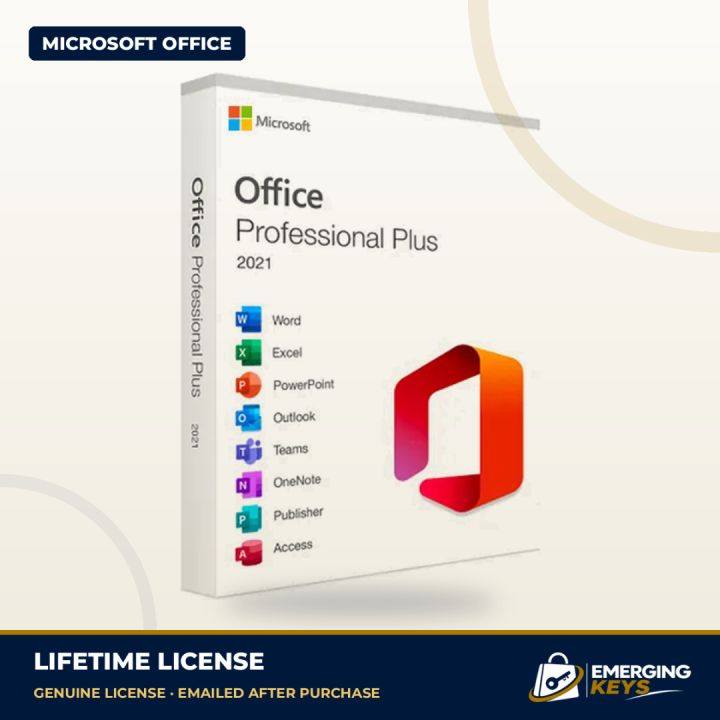
Genuine Office 2021 Professional Plus product key for one Windows PC: Word, Excel, PowerPoint, Outlook, Access, Publisher and OneNote, paid for once with no subscription.
- Platform
- Microsoft Office
- License
- Lifetime license
- Region
- Global (works worldwide)
- Delivery
- Key sent by email
What you get
- Office 2021 Professional Plus, lifetime license
- Apps: Word, Excel, PowerPoint, Outlook, Access, Publisher and OneNote
- For Windows PC
- No subscription or renewal
- Download and activation steps by email
Price in US dollars · no subscription unless stated
- Key emailed to you after payment
- Secure checkout with card or PayPal
- Activation help from our US team
- Faulty key? Replaced or refunded
- Visa
- Mastercard
- Amex
- PayPal
Overview
Microsoft Office 2021 Professional Plus is the complete Office suite for one Windows PC, aimed at home offices, students and small businesses. You pay once and keep the apps: there's no Microsoft 365 subscription to renew.
Apps included
Word, Excel, PowerPoint, Outlook, Access, Publisher and OneNote.
Microsoft ended support for Office 2021 in October 2026; the apps keep working, but no longer receive security fixes.
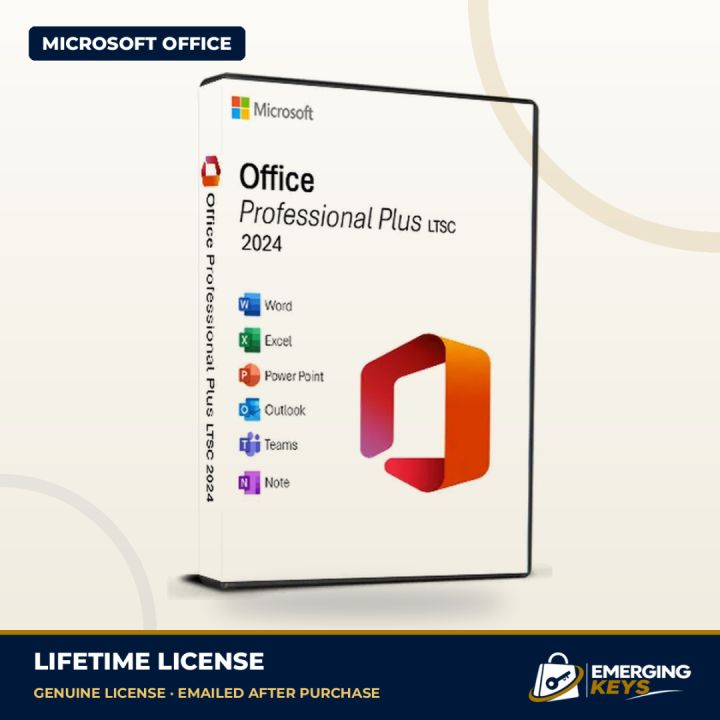
Office 2021 still includes Publisher, which Office 2024 no longer has.
Retail license: you can move it to another computer later, once it's removed from the first one.
Activation steps
You install Office 2021 Professional Plus with Microsoft's own installer file, then activate it with your key.
- Remove any other Office version first (Settings > Apps > Installed apps) so the two installations don't clash.
- Get Microsoft's installer: Download here (ProPlus2021Retail.img). The file comes directly from Microsoft's servers.
- Right-click the .img file and select Mount. Open the drive that appears and start Setup.exe (if nothing happens, open the Office folder on that drive and run Setup64.exe, or Setup32.exe on 32-bit Windows).
- Once setup completes, launch Word (press Start and type Word). Type the 25-character key when you are asked for it, or go to File > Account > Change Product Key.
Other languages (Microsoft's installer, click to download): English (UK) · Arabic · Chinese (Simplified) · Chinese (Traditional) · Czech · Danish · Dutch · Finnish · French · German · Greek · Hebrew · Hungarian · Italian · Japanese · Korean · Norwegian · Polish · Portuguese (Brazil) · Portuguese (Portugal) · Romanian · Russian · Spanish · Swedish · Turkish · Ukrainian
Requirements
- Windows 10 or Windows 11
- 1.1 GHz or faster, 2-core processor
- 4 GB RAM (64-bit), 2 GB RAM (32-bit)
- 4 GB available disk space
- 1280 x 768 display resolution
Specifications
- Product
- Office Professional Plus 2021
- Made by
- Microsoft
- License
- Retail
- License term
- Lifetime
- Platform
- Windows PC
- Activation
- Online
- Region
- Global
- Delivery
- Emailed after payment
- Price
- $139.49 USD
- Seller
- Emerging Keys (United States)
Office 2021 Professional Plus questions
Is this Office or Microsoft 365?
It's Office 2021, the one-time-purchase version. Microsoft 365 is the subscription; this license never needs renewing.
Is it compatible with Windows 11?
Yes. Office 2021 Professional Plus installs on Windows 10 and Windows 11.
Should I pick a newer version?
If you want security updates for years to come, Office 2024 is the newest perpetual release. Older versions remain a budget option for basic office work.