WindowsMicrosoft
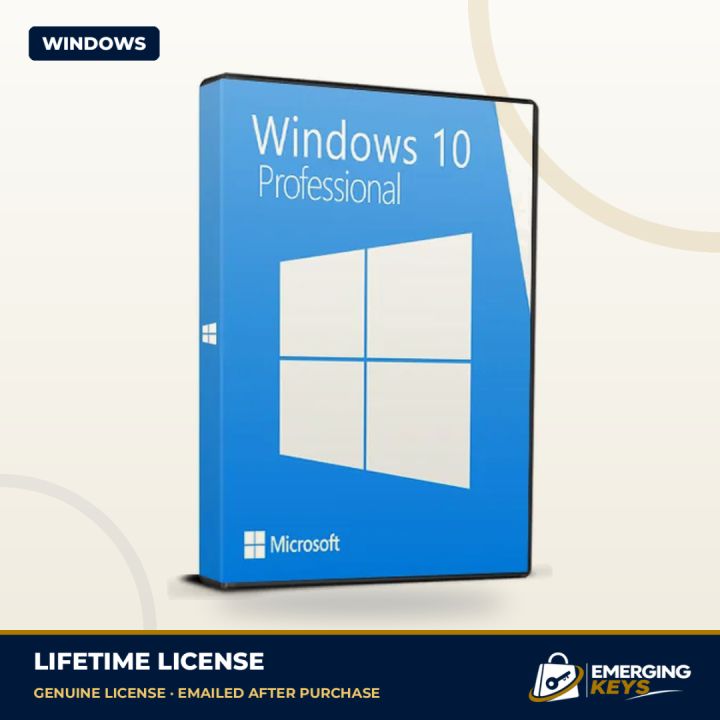
Windows 10 Pro N Retail Product Key
Lifetime license · Worldwide
Genuine Windows 10 Pro N Retail product key for 1 PC: a lifetime Retail license that activates online with Microsoft.
- Platform
- Windows
- License
- Lifetime license
- Region
- Global (works worldwide)
- Delivery
- Key sent by email
What you get
- Lifetime license for 1 PC, no subscription
- Retail license: transferable to a new PC
- Activates on Microsoft's servers in any country
- Emailed with install and activation steps
Price in US dollars · no subscription unless stated
- Key emailed to you after payment
- Secure checkout with card or PayPal
- Activation help from our US team
- Faulty key? Replaced or refunded
- Visa
- Mastercard
- Amex
- PayPal
Overview
Windows 10 Pro N is the European N edition of Windows Pro, identical to Pro except that it ships without Windows Media Player and some media apps. This product key activates it on Microsoft's own activation servers, so your copy is genuine, fully personalized and eligible for every update Microsoft releases for it.
What you get over a Home edition
- BitLocker drive encryption, so a lost or stolen laptop doesn't mean lost data
- Remote Desktop host, to reach this PC from anywhere
- Hyper-V virtual machines and Windows Sandbox
- Group Policy and joining a company domain
Upgrading from Home
Already running Windows 10 Home? Go to Settings > System > Activation, choose Change product key and enter this key. Windows switches to Pro on the spot, keeping your files, apps and settings.
Missing media features can be added at any time with Microsoft's free Media Feature Pack from Settings > Apps > Optional features.
About Windows 10 support
Microsoft stopped free security updates for Windows 10 on October 14, 2025. The license still activates and never expires, and Windows 10 runs on PCs without TPM 2.0. If your hardware passes the Windows 11 check, Windows 11 is the better long-term choice.
Retail license: you can move it to a replacement PC later. Just remove it from the old computer first.
Activation steps
Download Windows 10 Pro N Retail from Microsoft, then activate it under Settings.
- Download Windows from Microsoft's download page. The Media Creation Tool there can upgrade this PC directly, build a bootable USB drive or save the ISO file.
- Run Windows setup. When it asks for a product key, either enter yours now or pick I don't have a product key and add it once Windows is installed.
- Open Settings > Update & Security > Activation, click Change product key and enter the 25-character key from your Emerging Keys email.
- Activation completes online within a minute and the page reads Windows is activated.
Online activation refused? Use phone activation
- Press Windows + R, enter
slui 4and press Enter. You can also reach it from the Activation page under Activate by phone. - Pick your country or region, then click Next.
- Ring the toll-free number on screen; the automated line reads out a confirmation ID that you type in to complete activation.
Phone activation is documented on Microsoft's support website.
Requirements
- 1 GHz processor or faster
- 1 GB RAM (32-bit) or 2 GB RAM (64-bit)
- 16 GB (32-bit) or 32 GB (64-bit) storage
- DirectX 9 graphics with WDDM 1.0 driver
- 800 x 600 display
Specifications
- Product
- Windows 10 Pro N
- Made by
- Microsoft
- License
- Retail, 1 PC
- License term
- Lifetime
- Region
- Global
- Delivery
- Emailed after payment
- Price
- $11.49 USD
- Seller
- Emerging Keys (United States)
Windows 10 Pro N Retail questions
Is this a real Microsoft key?
Yes. It's a genuine Windows 10 Pro N key that activates through Microsoft's official activation servers, exactly like a key from a retail box.
Can I upgrade my current Windows 10 Home with it?
Yes. Enter the key under Settings > System > Activation > Change product key and Windows upgrades to Pro while keeping your files and apps.
Do I pay again next year?
No. It's a one-time purchase and the license never expires.
Where do I download Windows?
Directly from Microsoft. Your order email links to Microsoft's download page and walks you through installation and activation.
Can I transfer it to a new computer?
Yes. Retail licenses can move to a new PC; deactivate or wipe the old installation first.